Use this pattern to introduce a landing page or site section. To apply it, set the page to the “No Title” template: using the right-hand Settings toolbar, on the Page tab, click the template title, choose “Change Template,” and select “No Title.” The heading will become the H1 and page title. No-img, 1:1, or 3:4 overlap (shown here) image variants.
One of several “feature” choices, use this to call attention to, promote, educate about, or route users to information. Image and text should support each other, and button text should describe what it links to (not just say “learn more”). To change the media to video or multiple images, select the Fancy Feature container in the lefthand List View toolbar and choose the Media Type from the Block menu in the righthand toolbar.
Overlapping feature
One of several “feature” choices, use this to call attention to, promote, educate about, or route users to information. Image and text should support each other, and button text should describe what it links to (not just say “learn more”). To flip content left/right, select the Media & Text container in the lefthand List View toolbar and choose the corresponding icon from the popup menu.
Phasellus fermentum malesuada phasellus netus dictum aenean placerat egestas amet. Ornare taciti semper dolor tristique morbi. Sem leo tincidunt aliquet semper eu lectus scelerisque quis. Sagittis vivamus mollis nisi mollis enim fermentum laoreet.
Sociosqu fames cras suscipit ligula augue porta vel enim feugiat turpis aliquam tellus ipsum amet. Hendrerit nisl lacus cras diam vivamus nisi potenti gravida tristique velit tristique quis fames. Fames vel nulla integer adipiscing pellentesque semper nam suscipit lobortis a tristique.
Heading 2
Curabitur semper venenatis lectus viverra ex dictumst nulla maximus. Primis iaculis elementum conubia feugiat venenatis dolor augue ac blandit nullam ac phasellus turpis feugiat mollis. Duis lectus porta mattis imperdiet vivamus augue litora lectus arcu. Justo torquent pharetra volutpat ad blandit bibendum accumsan nec elit cras luctus primis ipsum gravida class congue.
Primis iaculis elementum conubia feugiat venenatis dolor
Heading 3
Vehicula etiam elementum finibus enim duis feugiat commodo adipiscing tortor tempor elit. Et mollis consectetur habitant turpis tortor consectetur adipiscing vulputate dolor lectus iaculis convallis adipiscing. Nam hendrerit dignissim condimentum ullamcorper diam morbi eget consectetur odio in sagittis.
Heading 4
Risus suspendisse justo risus commodo himenaeos pellentesque laoreet sociosqu non fermentum. Lacus viverra sodales accumsan tortor ut nisi eleifend dolor condimentum varius fames augue sodales morbi. Fusce pulvinar convallis orci sed condimentum molestie sed odio vehicula orci tempor molestie inceptos vehicula. Semper risus in tortor duis morbi tristique ad mi euismod consectetur est. Tempus libero facilisis ante leo eros risus ligula felis.
Heading 5
Odio euismod egestas sagittis finibus ante euismod nunc massa dapibus purus habitasse tristique convallis. Aenean risus sed ligula senectus litora praesent primis in dictum nostra. Torquent varius fringilla cursus gravida purus non fusce dignissim maecenas pharetra.
Heading 6
Risus suspendisse justo risus commodo himenaeos pellentesque laoreet sociosqu non fermentum. Lacus viverra sodales accumsan tortor ut nisi eleifend dolor condimentum varius fames augue sodales morbi. Fusce pulvinar convallis orci sed condimentum molestie sed odio vehicula orci tempor molestie inceptos vehicula. Semper risus in tortor duis morbi tristique ad mi euismod consectetur est. Tempus libero facilisis ante leo eros risus ligula felis.
Pellentesque curae tristique lobortis tempus convallis eleifend auctor quis mattis curae imperdiet commodo sodales quisque eget. Eros ultrices lobortis congue vestibulum dignissim potenti fringilla quisque ullamcorper proin maecenas metus.
Nunc placerat justo vitae elit gravida venenatis.
Maecenas in quam convallis magna tempus maximus et vel arcu.
Sed vitae nibh vel purus euismod auctor.
Sed aliquet urna et dapibus elementum.
Vestibulum pharetra massa sit amet est venenatis, eu feugiat libero posuere.
Contrary to popular belief, Lorem Ipsum is not simply random text. It has roots in a piece of classical Latin literature from 45 BC, making it over 2000 years old. Richard McClintock, a Latin professor at Hampden-Sydney College in Virginia, looked up one of the more obscure Latin words, consectetur, from a Lorem Ipsum passage, and going through the cites of the word in classical literature, discovered the undoubtable source.
Overlapping feature
One of several “feature” choices, use this to call attention to, promote, educate about, or route users to information. Image and text should support each other, and button text should describe what it links to (not just say “learn more”). T
One of several “feature” choices, use this to call attention to, promote, educate about, or route users to information. Image and text should support each other, and button text should describe what it links to (not just say “learn more”). To change the media to video or multiple images, select the Fancy Feature container in the lefthand List View toolbar and choose the Media Type from the Block menu in the righthand toolbar.
Use the Billboard pattern to break up a page layout for an important call to action. The fewer links you include, the better they will perform. Use dark background options at the bottom of the page, so it doesn’t create a “false footer effect” that causes users to stop scrolling because they think they’ve reached the end.
Use this pattern to provide up to 25 words of explanation each about similar link options, to give users enough context to make a choice before they click.
Optional wysiwyg text. Maecenas varius massa vestibulum porta cursus maecenas. Lectus mattis lectus nunc tellus mauris. A interdum ipsum risus lobortis suscipit imperdiet.
Optional wysiwyg text. Maecenas varius massa vestibulum porta cursus maecenas. Lectus mattis lectus nunc tellus mauris. A interdum ipsum risus lobortis suscipit imperdiet.
Teaser grid 3-up
Use this to provide up to 25 words of explanation each about similar link options, to give users enough context to make a choice before they click.
Optional wysiwyg text. Maecenas varius massa vestibulum porta cursus maecenas. Lectus mattis lectus nunc tellus mauris. A interdum ipsum risus lobortis suscipit imperdiet.
Optional wysiwyg text. Maecenas varius massa vestibulum porta cursus maecenas. Lectus mattis lectus nunc tellus mauris. A interdum ipsum risus lobortis suscipit imperdiet.
Optional wysiwyg text. Maecenas varius massa vestibulum porta cursus maecenas. Lectus mattis lectus nunc tellus mauris. A interdum ipsum risus lobortis suscipit imperdiet.
Heading
Optional wysiwyg text. Maecenas varius massa vestibulum porta cursus maecenas. Lectus mattis lectus nunc tellus mauris. A interdum ipsum risus lobortis suscipit imperdiet.
Use this to deliver sets of links that are divided into clear groupings (assume users might only read the headings and skip the links, so make sure they’re grouped logically). Can be used with or without images, but keep it consistent between columns.
Optional wysiwyg text. Maecenas varius massa vestibulum porta cursus maecenas. Lectus mattis lectus nunc tellus mauris. A interdum ipsum risus lobortis suscipit imperdiet.
Use this to create a list of similar items that have a few sentences or more of paragraph text that needs to line up with a corresponding image for each — such as a list of buildings or labs with their photos.
Optional wysiwyg text. Maecenas varius massa vestibulum porta cursus maecenas. Lectus mattis lectus nunc tellus mauris. A interdum ipsum risus lobortis suscipit imperdiet.
Optional wysiwyg text. Maecenas varius massa vestibulum porta cursus maecenas. Lectus mattis lectus nunc tellus mauris. A interdum ipsum risus lobortis suscipit imperdiet.
The Student Involvement Fest was held on Gaebe Commons. Photos Mike Cohea 2022
Unlinked title heading with no img
Optional wysiwyg text. Maecenas varius massa vestibulum porta cursus maecenas. Lectus mattis lectus nunc tellus mauris. A interdum ipsum risus lobortis suscipit imperdiet.
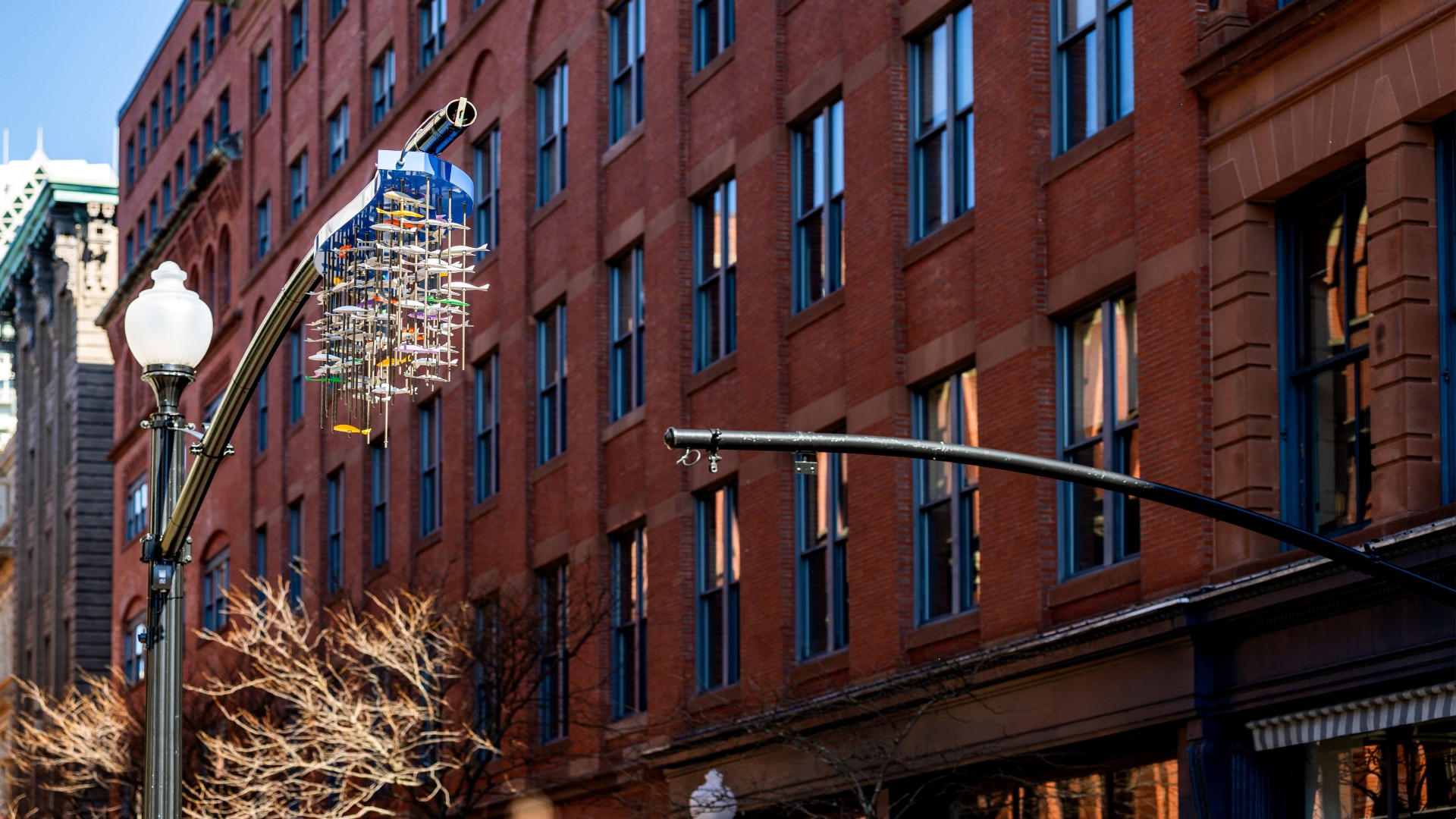
A JWU professor and alumnus turned their mentor-student relationship into a public art collaboration, creating a sculpture that now brightens downtown Providence.
A JWU professor and alumnus turned their mentor-student relationship into a public art collaboration, creating a sculpture that now brightens downtown Providence.
A JWU professor and alumnus turned their mentor-student relationship into a public art collaboration, creating a sculpture that now brightens downtown Providence.
A JWU professor and alumnus turned their mentor-student relationship into a public art collaboration, creating a sculpture that now brightens downtown Providence.
Use this to communicate an impending deadline, process change, or other unexpected message. Aim for 30 words or fewer, and provide a link to more info. Use only one at a time. Sitewide alert is found in settings.
A JWU professor and alumnus turned their mentor-student relationship into a public art collaboration, creating a sculpture that now brightens downtown Providence.
A JWU professor and alumnus turned their mentor-student relationship into a public art collaboration, creating a sculpture that now brightens downtown Providence.
Use for displaying tabular data, not just as a shortcut for layout. If your content isn’t comparative and doesn’t really need a table, you can use the stacked list pattern or column blocks instead.
Caption. Lorem ipsum dolor sit amet, consectetur adipiscing elit. Integer scelerisque malesuada ex. Nulla commodo augue non commodo scelerisque. Class aptent taciti sociosqu ad litora torquent per conubia nostra, per inceptos himenaeos. ** Interdum et malesuada fames ac ante ipsum primis in faucibus. Sed elementum, erat ac scelerisque pellentesque, lectus magna ullamcorper augue, vitae aliquet arcu tellus accumsan ipsum. Orci varius natoque penatibus et magnis dis parturient montes, nascetur ridiculus mus.
Accordion
Use accordions when you want to do any of the following on a web page.
Accordions are especially good for when you need to convey some details to a particular audience that don’t apply to the majority of your page vistors. They can be a good way to convey things like visa instructions for international students on a general admissions page, which domestic students don’t need to know about.
Accordions can be great for users who are looking for what they assume is a specific detail that doesn’t apply to everyone, like special instructions for transfer students on a page meant for more general student audiences.
Frequently asked questions can be good for pointing out ancillary details or tailoring the page content to specific audiences, situations, or contexts. They can also be good for SEO and AI optimization, especially if the page structure prevents that content from being displayed more directly in the main content area. BUT make sure to check back often to make sure the content in them is up-to-date; conflicting or incorrect information can be worse for SEO/AIO than having none at all, as well as bad for usability.
Descriptive headings help users target which panels will help them answer their question or complete their task. They should be able to understand what’s under each panel without having to click open to read.
If the content within an accordion is relevant to all page visitors, it’s best to display it directly on the page using headings and paragraphs rather than tucking it underneath an interactive panel that requires them to click to see it. Assume users might miss anything you put in the panels and keep them for supplemental information only.
Billboard
Use the Billboard pattern to break up a page layout for an important call to action. The fewer links you include, the better they will perform. Use dark background options at the bottom of the page, so it doesn’t create a “false footer effect” that causes users stop scrolling because think they’ve reached the end.
Optional wysiwyg text. Maecenas varius massa vestibulum porta cursus maecenas. Lectus mattis lectus nunc tellus mauris. A interdum ipsum risus lobortis suscipit imperdiet.
The revamped Larry Friedman Center for Entrepreneurship, simply known as the eCenter, is the hub for entrepreneurial activity at JWU Providence. Under the guidance of Jeff Binczyk, the eCenter brings together entrepreneurial studies, experiential opportunities, mentors, and small business support services to transform students into entrepreneurs and their ideas into commercial or social enterprises.FIT Symposium 2024. photo: Scott Bowers 2024
Masonry Gallery
Optional Subhead
Add and arrange images to show things like multiple parts of an experience, atmospheric details, and other things words alone can’t convey. Try to vary aspect ratios, wide vs. close-up shots, and subjects between images to tell a diverse and more complete story. Use toward the bottom of pages in case users assume the rest is just photos and stop scrolling.
Vertical Video Feature
One of several “feature” pattern choices, use this to showcase videos of people sharing their first-person perspectives on a topic. Link text should be descriptive (not just “learn more”).
“I didn’t expect to work with real clients this soon.”
Cora ’26, Design
“I didn’t expect to work with real clients this soon.”
Cora ’26, Design
Quotes are great for showing social proof that supports a message or conveys a feeling you can’t explain in regular text. Aim for 35 words or fewer to stay readable on all screen sizes.”
Conveying all the component parts of a topic, like program requirements, concentrations, or the available options within a major
Collecting items or examples around a similar topic, like a list of potential career paths that links out to related career outcomes data
Listing out benefits, features, or other supporting details that will help a user decide whether the link will be relevant to them
Showing the steps in a process
Tip: Just make sure everything in this box is about the same topic; don’t use it just to get a 2-column layout. The background box will make users assume it’s about a single thing, causing them to miss some of your information.
Fancy Feature
One of several “feature” choices, use this to call attention to, promote, educate about, or route users to information. Image and text should support each other, and button text should describe what it links to (not just say “learn more”). To change the media to video or multiple images, select the Fancy Feature container in the lefthand List View toolbar and choose the Media Type from the Block menu in the righthand toolbar.
This makes the list easier to scan, each item feels more self-contained
One of several “feature” choices, use this to call attention to, promote, educate about, or route users to information. Image and text should support each other, and button text should describe what it links to (not just say “learn more”).
Fancy Feature
One of several “feature” choices, use this to call attention to, promote, educate about, or route users to information. Image and text should support each other, and button text should describe what it links to (not just say “learn more”). To change the media to video or multiple images, select the Fancy Feature container in the lefthand List View toolbar and choose the Media Type from the Block menu in the righthand toolbar.
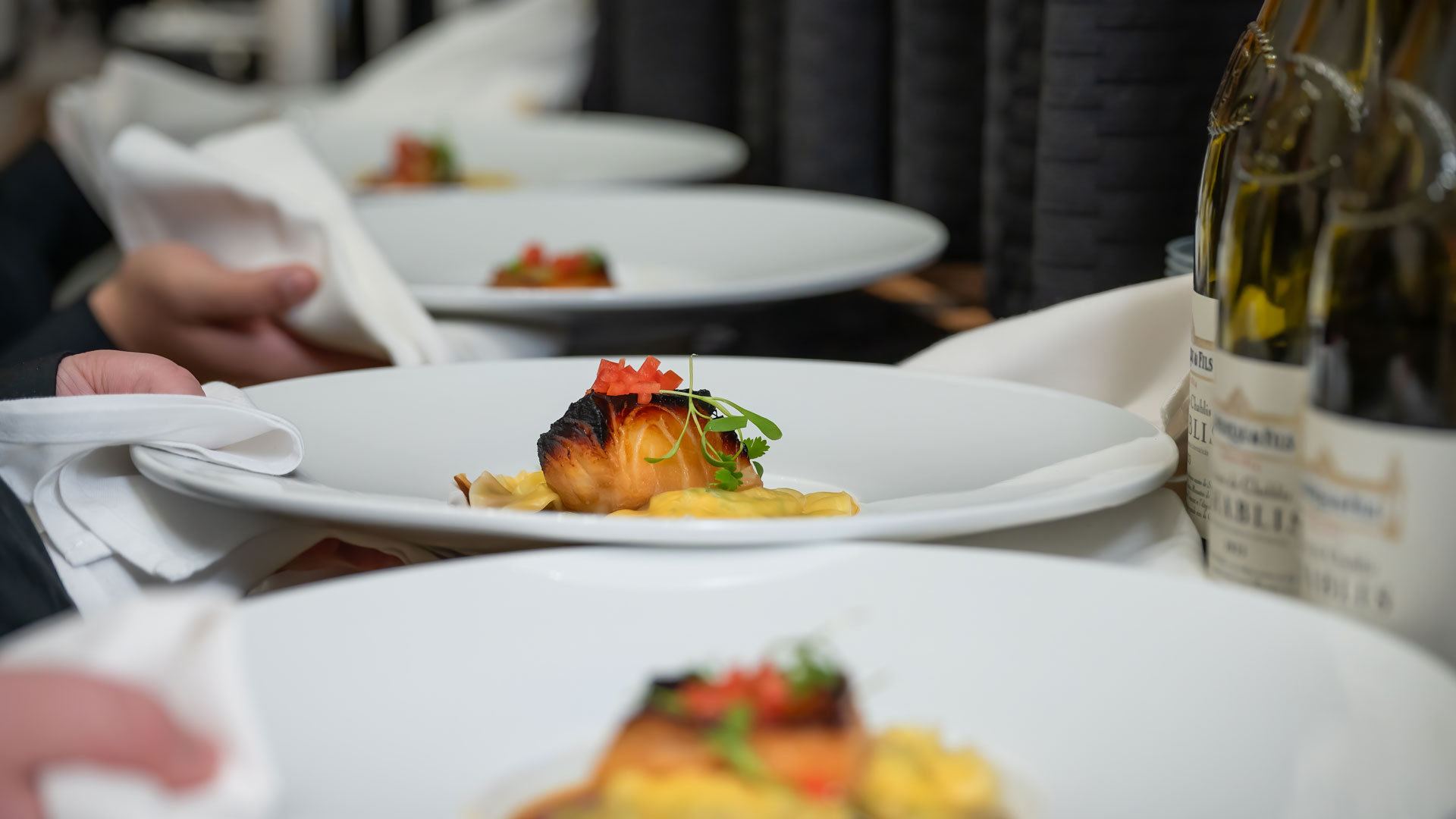
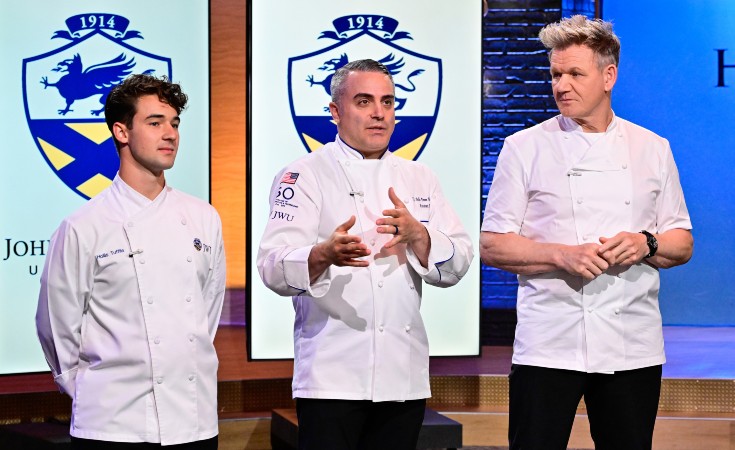
Johnson & Wales got the star treatment in the latest season of Hell’s Kitchen featuring a VIP dinner celebrating 50 years of CFIT and a few familiar faces, both judging and competing. TJ Delle Donne spoke with WPRI about his experience in the spotlight.
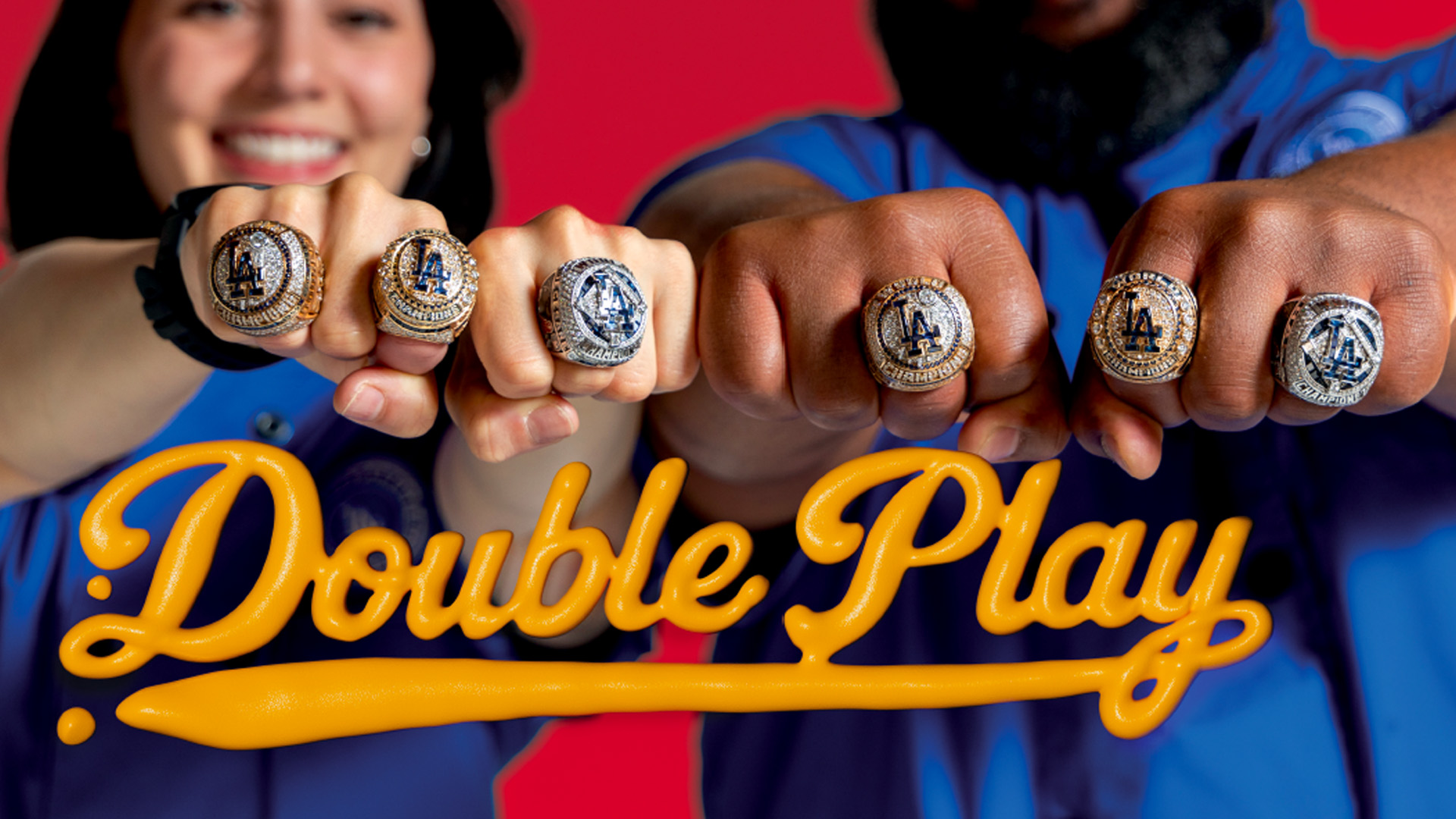
As MLB World Series Champions in 2020, 2024 and 2025, the Los Angeles Dodgers have tasted their share of success in recent years. Off the field, the team has benefitted from the nutrition expertise of two JWU alums who have developed a powerful partnership in the Dodgers’ kitchen. Tyrone Hall ’05, the team’s manager of…
As MLB World Series Champions in 2020, 2024 and 2025, the Los Angeles Dodgers have tasted their share of success in recent years. Off the field, the team has benefitted from the nutrition expertise of two JWU alums who have developed a powerful partnership in the Dodgers’ kitchen. Tyrone Hall ’05, the team’s manager of…
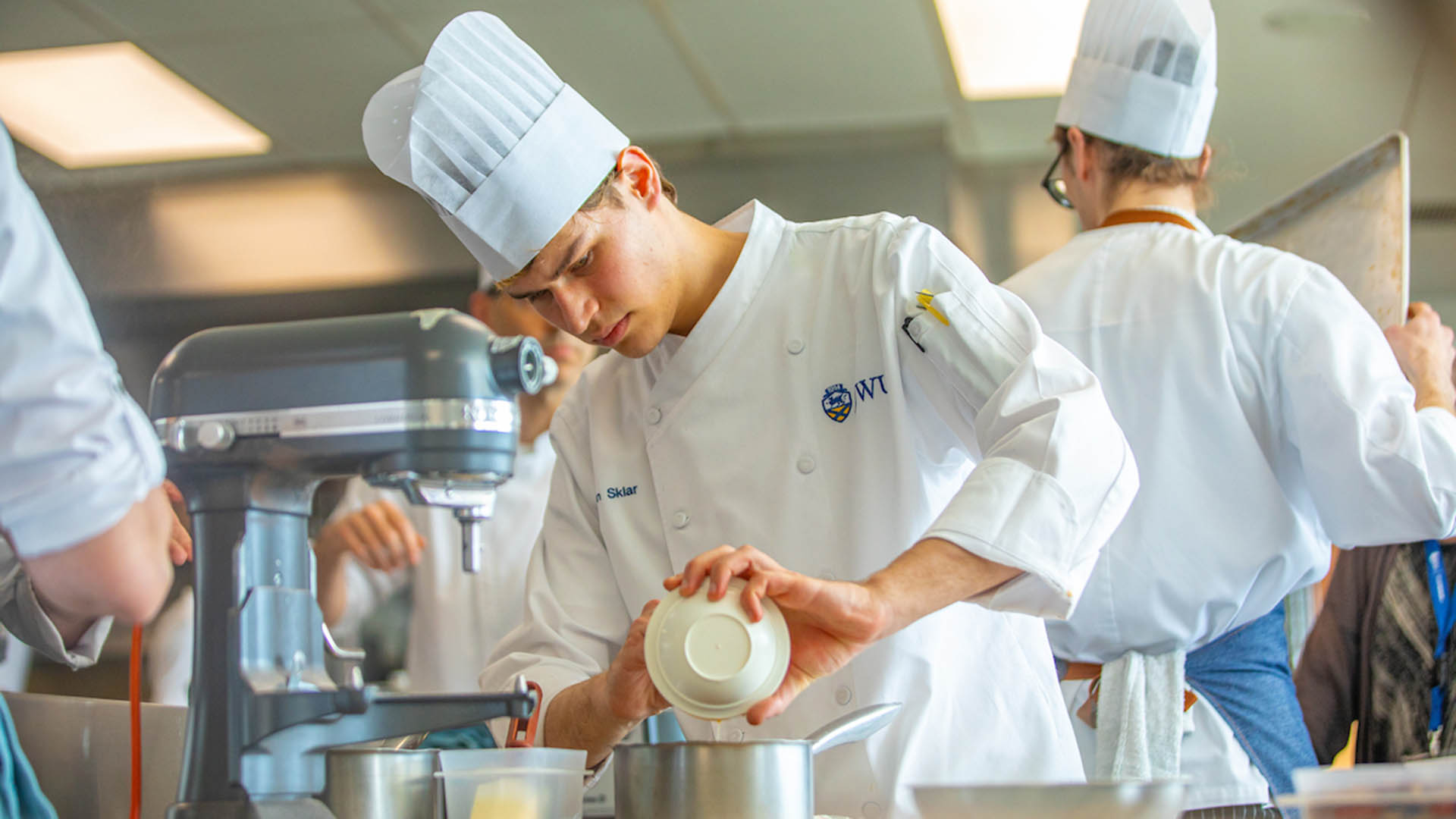
Growing up in New York City, Daron Sklar ’27 took advantage of every opportunity to learn from its renowned chefs. Nothing could prepare him, though, for the steep learning curve he encountered when he worked this past summer as a pastry line cook at The Modern.
A JWU professor and alumnus turned their mentor-student relationship into a public art collaboration, creating a sculpture that now brightens downtown Providence.
A JWU professor and alumnus turned their mentor-student relationship into a public art collaboration, creating a sculpture that now brightens downtown Providence.
A JWU professor and alumnus turned their mentor-student relationship into a public art collaboration, creating a sculpture that now brightens downtown Providence.
A JWU professor and alumnus turned their mentor-student relationship into a public art collaboration, creating a sculpture that now brightens downtown Providence.
Optional wysiwyg text. Maecenas varius massa vestibulum porta cursus maecenas. Lectus mattis lectus nunc tellus mauris. A interdum ipsum risus lobortis suscipit imperdiet.
Optional wysiwyg text. Maecenas varius massa vestibulum porta cursus maecenas. Lectus mattis lectus nunc tellus mauris. A interdum ipsum risus lobortis suscipit imperdiet.
Optional wysiwyg text. Maecenas varius massa vestibulum porta cursus maecenas. Lectus mattis lectus nunc tellus mauris. A interdum ipsum risus lobortis suscipit imperdiet.
Teaser grid 2-up
Use this pattern to provide up to 25 words of explanation each about similar link options, to give users enough context to make a choice before they click.
Optional wysiwyg text. Maecenas varius massa vestibulum porta cursus ssss maecenas. Lectus mattis lectus nunc tellus mauris. A interdum ipsum risusss lobortis suscipit imperdiet.
Optional wysiwyg text. Maecenas varius massa vestibulum porta cursus maecenas. Lectus mattis lectus nunc tellus mauris. A interdum ipsum risus lobortis suscipit imperdiet.